FlashFlashCards
Convert screenshots into Anki flashcards.
About FlashFlashCards
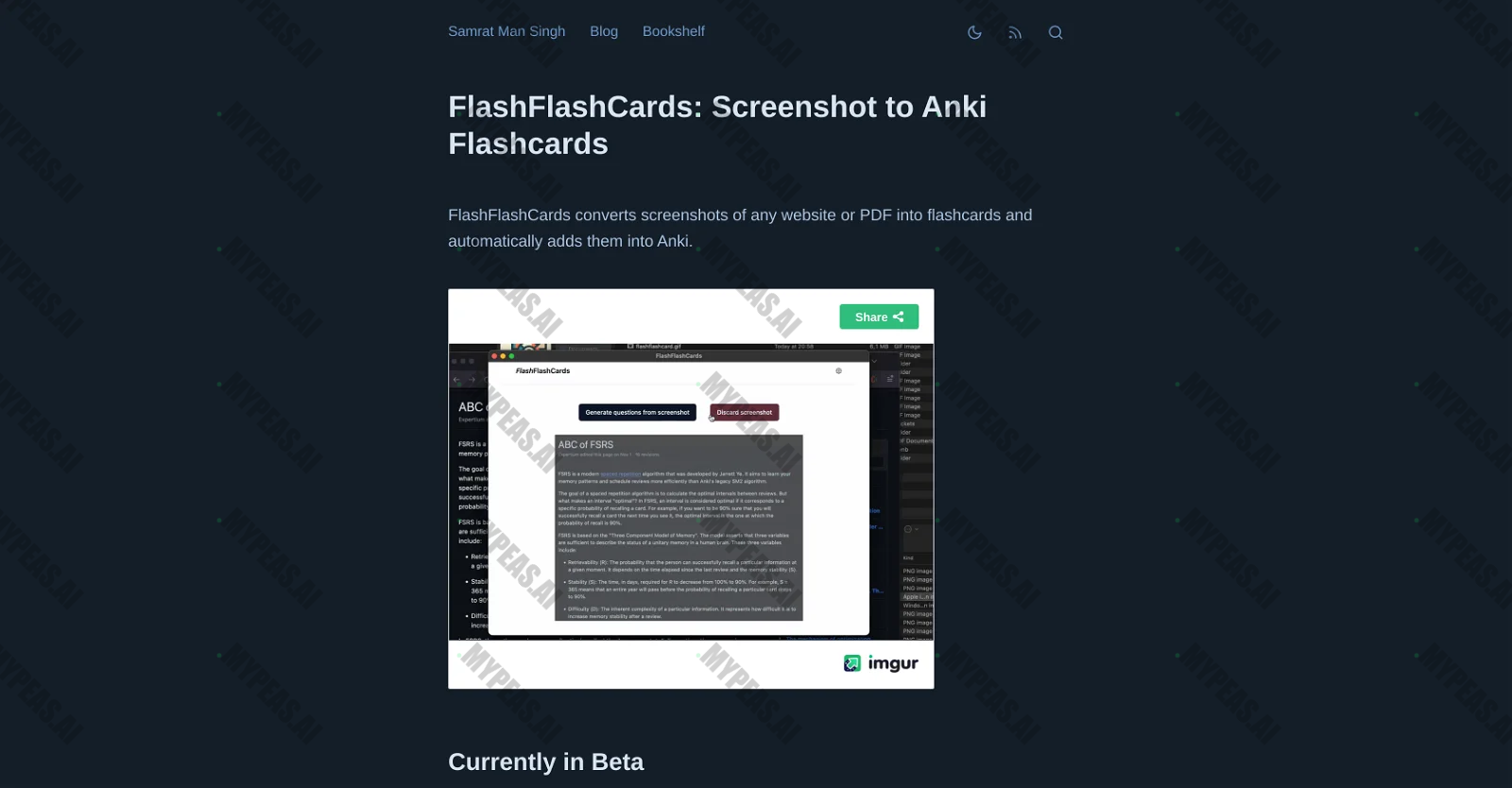
"FlashFlashCards is not just your average study tool - it's a game-changer. With cutting-edge AI technology, users can effortlessly transform screenshots from any website or PDF into interactive flashcards. These flashcards can then be seamlessly integrated into Anki, a renowned open-source spaced repetition software. The ultimate goal? To provide users with a streamlined method of organizing and reviewing information harvested from a variety of sources. Gone are the days of scattered notes and disorganized data - FlashFlashCards ensures that your knowledge is stored in a structured, easily accessible format. Currently exclusive to Mac users, the setup process is a breeze. Simply install the Anki-Connect add-on, then proceed to add your OpenAI API key before installing FlashFlashCards. Once everything is in place, creating flashcards from screenshots is as simple as pressing Control+Command+A and clicking the 'Generate flashcards' button. These generated flashcards can then be seamlessly incorporated into Anki, making information management and review a breeze. Keep in mind that while the tool is currently in its beta stage, future updates and enhancements are on the horizon - stay tuned for even more features and improvements."










Track the Impact of Your AI Usage
Document your productivity gains and build your AI portfolio for performance reviews
Start Tracking Free