Juno
Improves data science coding for efficiency and quality.
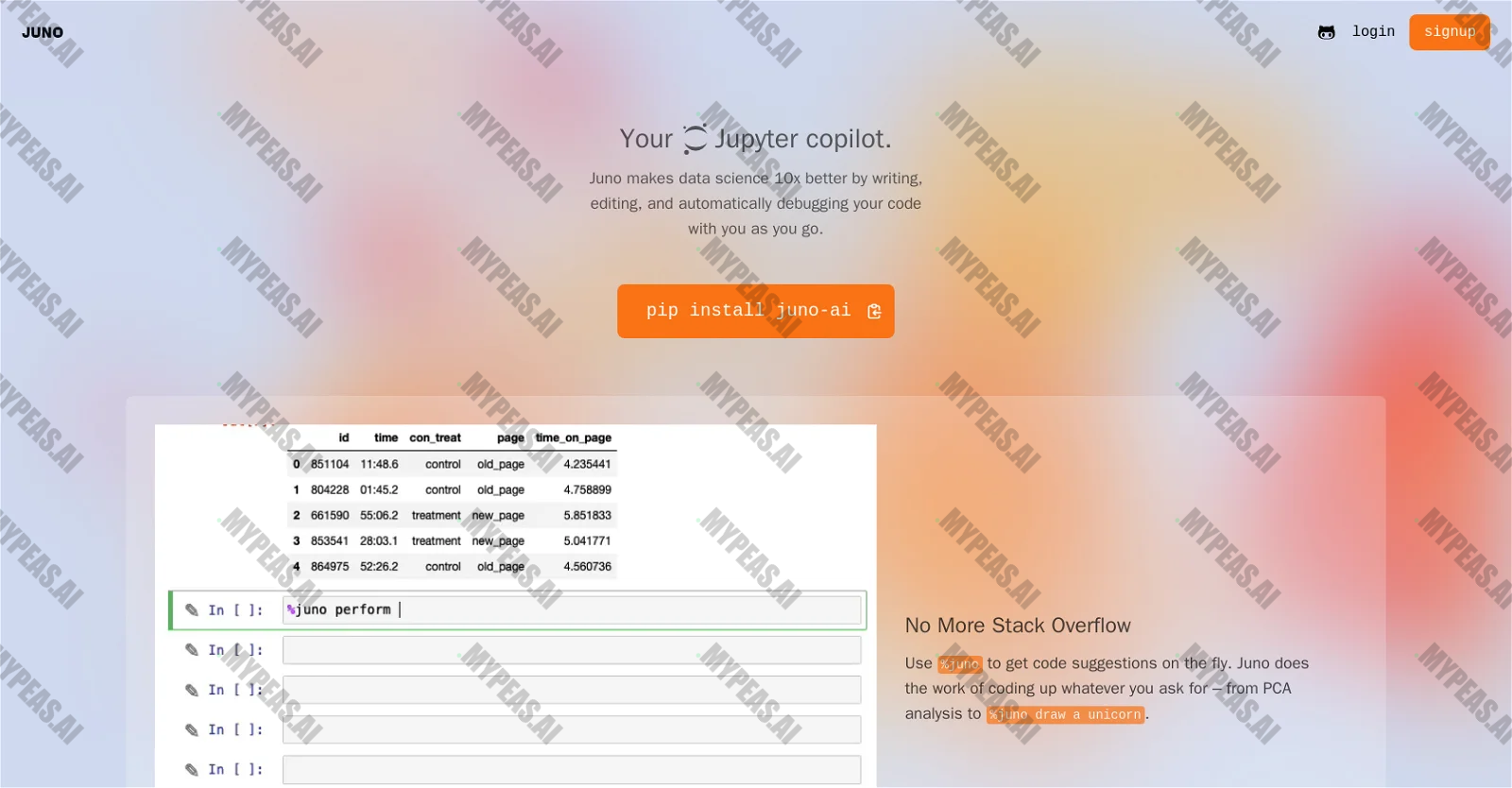
About Juno
Juno is an AI-powered tool specifically designed for data science tasks. It significantly enhances the coding experience by providing various features to improve code quality and efficiency. With Juno, users can expect a smoother coding process with integrated support for writing, editing, and debugging code. One of Juno's notable features is its code suggestion capability, accessed through the command %juno. This function offers real-time suggestions to help users write code faster and more accurately. Users can also leverage Juno for coding complex tasks by simply requesting a specific analysis or operation, like PCA analysis or drawing a unicorn. Juno also excels in debugging. Users can click on the Debug button to receive instant solutions to errors, eliminating the need to spend time tackling NaN errors or the intricacies of the Matplotlib API. This instant error resolution enables users to focus more on data analysis rather than troubleshooting code issues. Moreover, Juno acts as an AI pair programmer through its Edit Button feature. It can optimize, refine, or completely rewrite code based on the user's specific data and problem context. This feature facilitates code improvement by leveraging AI capabilities, saving valuable time that can be better utilized for analyzing data. Juno, developed by Juno Labs, is a valuable tool that empowers data scientists by automating code writing, debugging, and enhancing the overall code quality and effectiveness.










Track the Impact of Your AI Usage
Document your productivity gains and build your AI portfolio for performance reviews
Start Tracking Free